See the whole picture
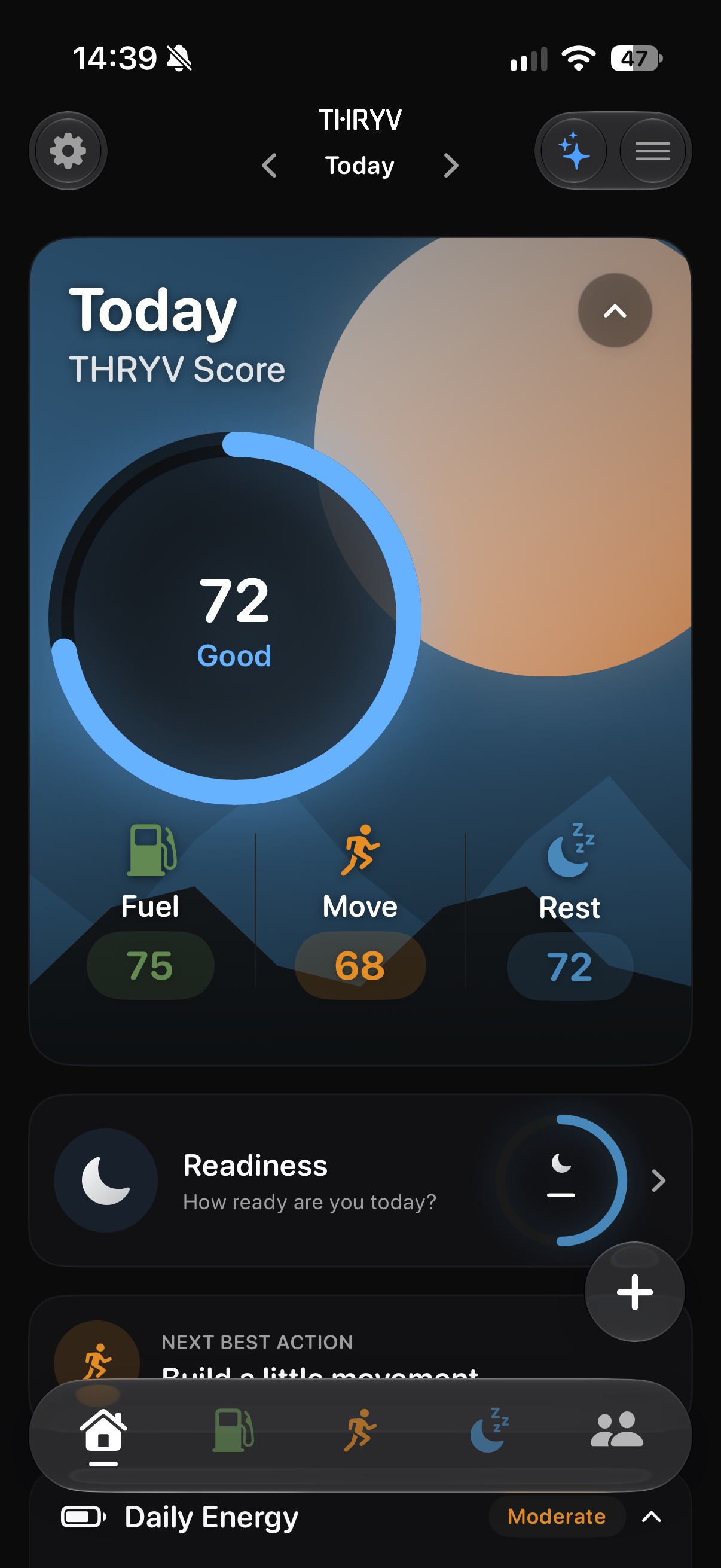
Bring available Fuel, Move and Rest signals into one honest THRYV Score without letting a single entry define the day.
THRYV is an all-in-one health and fitness app for iPhone. It brings available Fuel, Move and Rest signals into one daily Score, then offers a practical next best action.
Running, strength workouts, nutrition, sleep and mindfulness each have their own detail. Your Score reflects the information you choose to record or share; available plans and content depend on your account.
THRYV for iPhone · Free to download
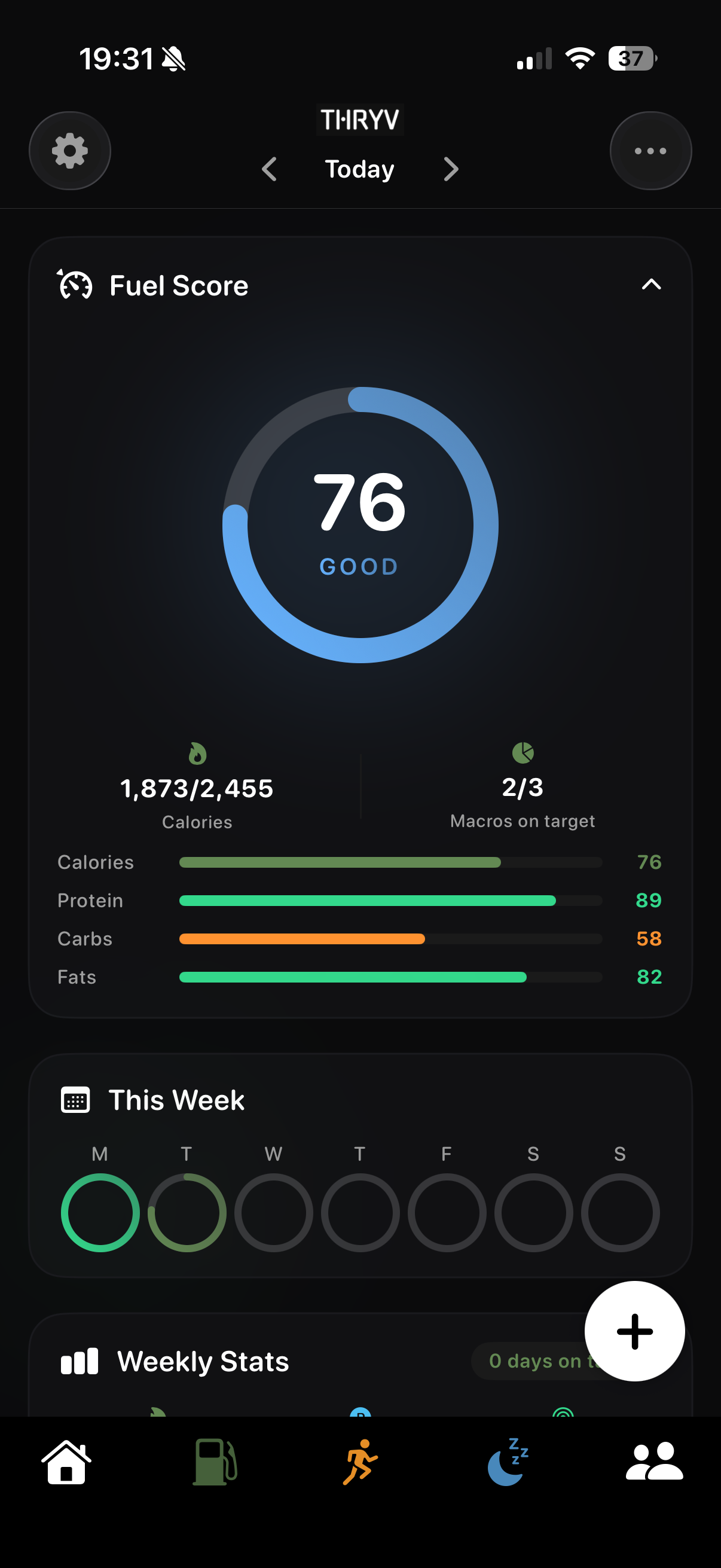
The Today view brings your available signals together so you can decide where to begin. Each pillar still has its own detail when you want it.
Bring available Fuel, Move and Rest signals into one honest THRYV Score without letting a single entry define the day.
Use the practical next best action shown with your Score to find a starting point that fits your day.
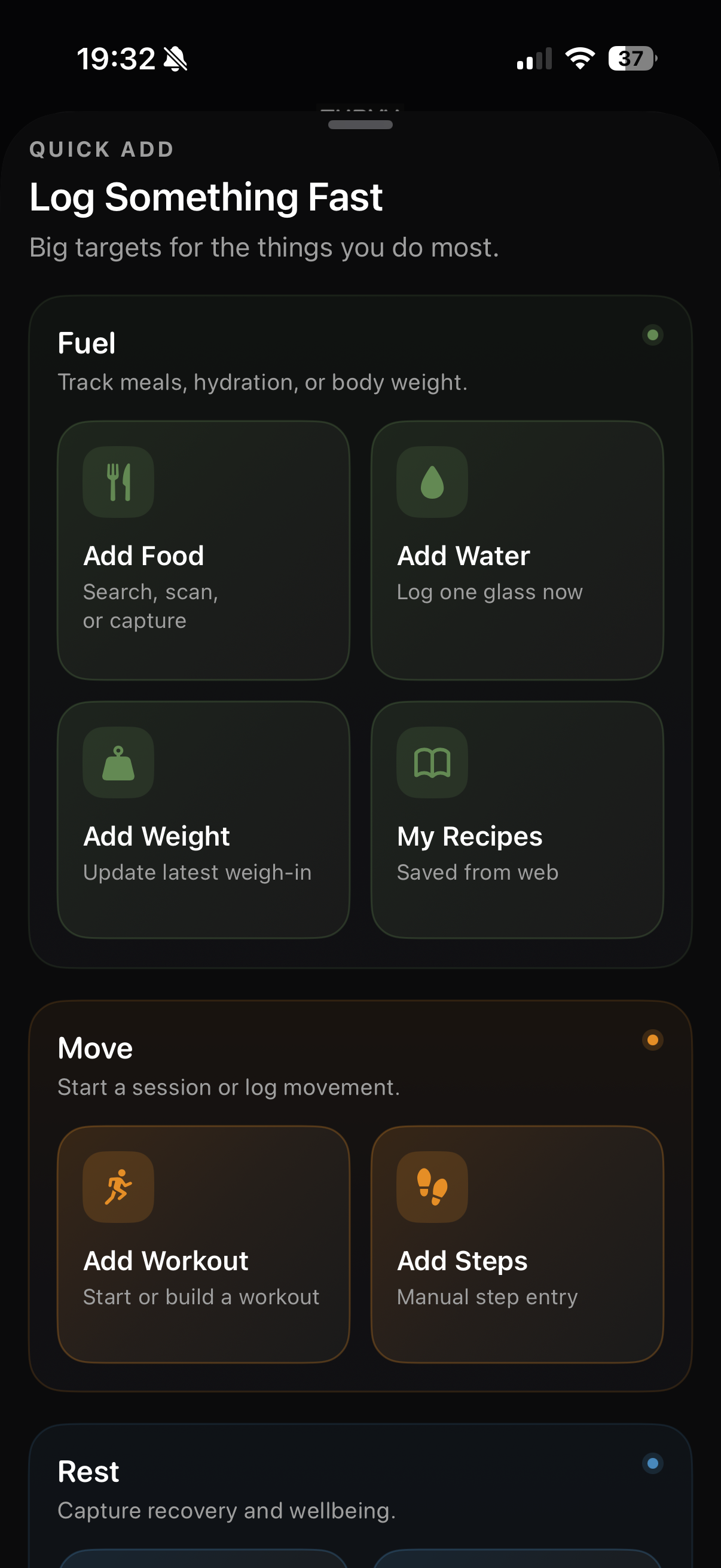
Open plans, food entries, health trends or mindful content when those tools are available to your account.
Each feature has its own detail. Explore the part of your day you want to understand next.
Food, movement and rest can add context to the Score. Treat its next best action as a suggestion, not a schedule or a target you have to meet.
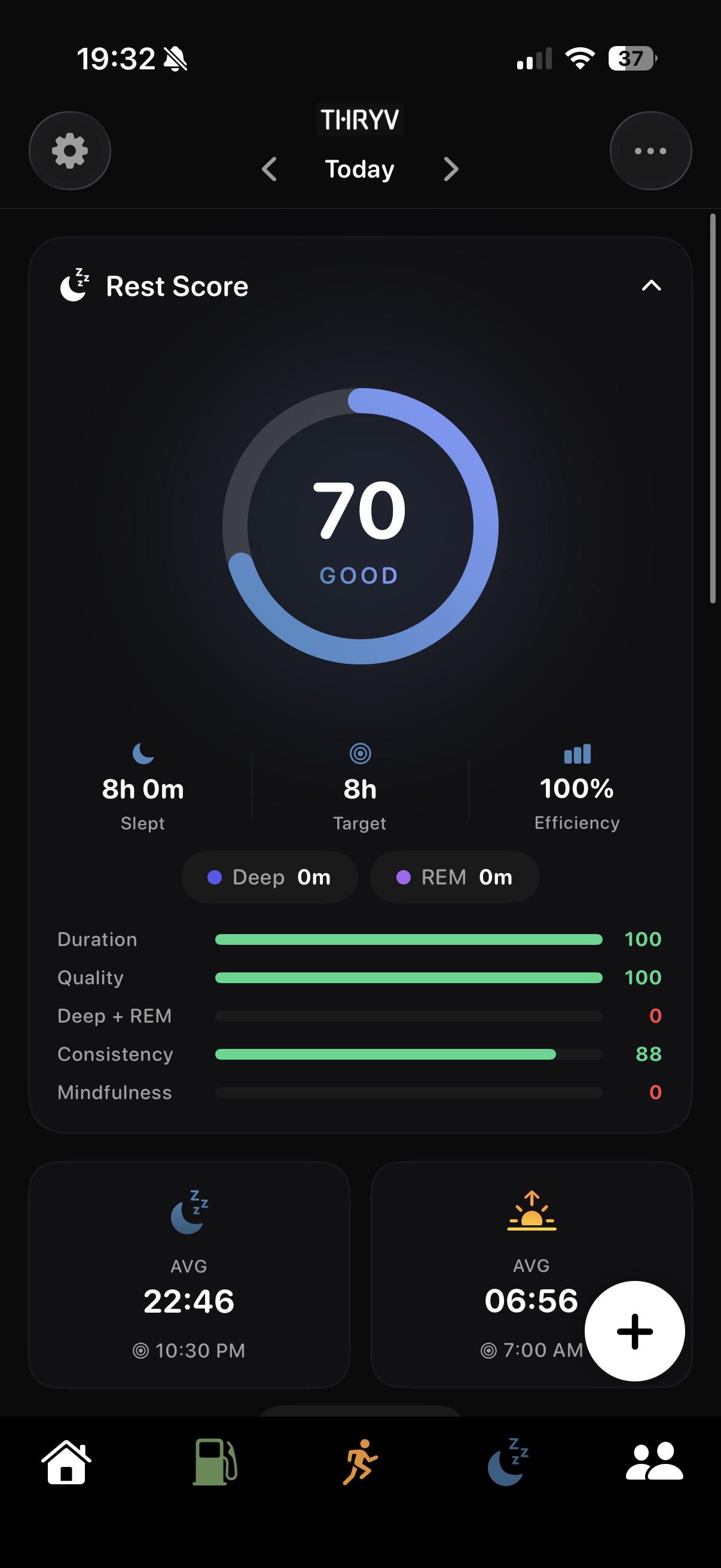
Real screens show the detail behind each pillar. Open any image to inspect the full view.
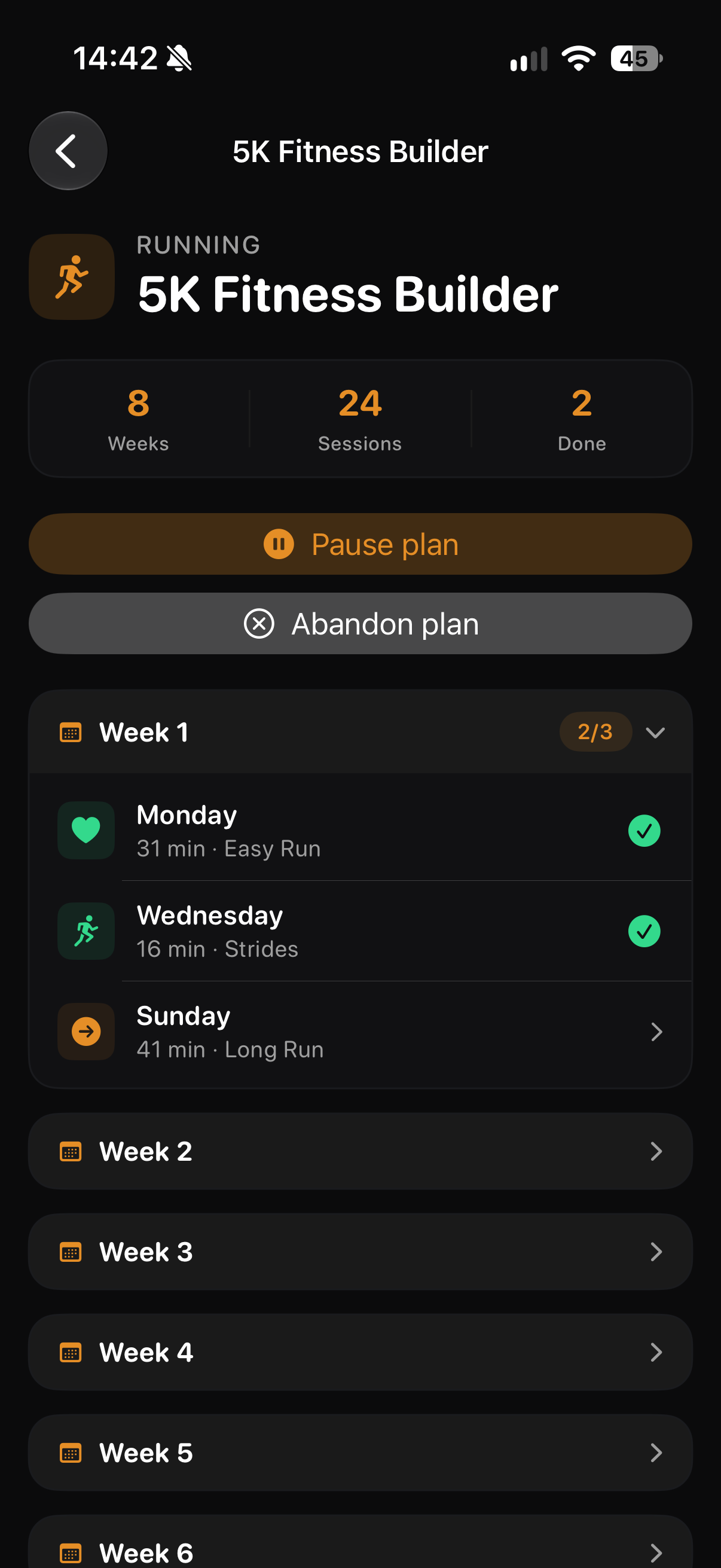
Follow an available programme or choose Free Run when a plan is not what you need.
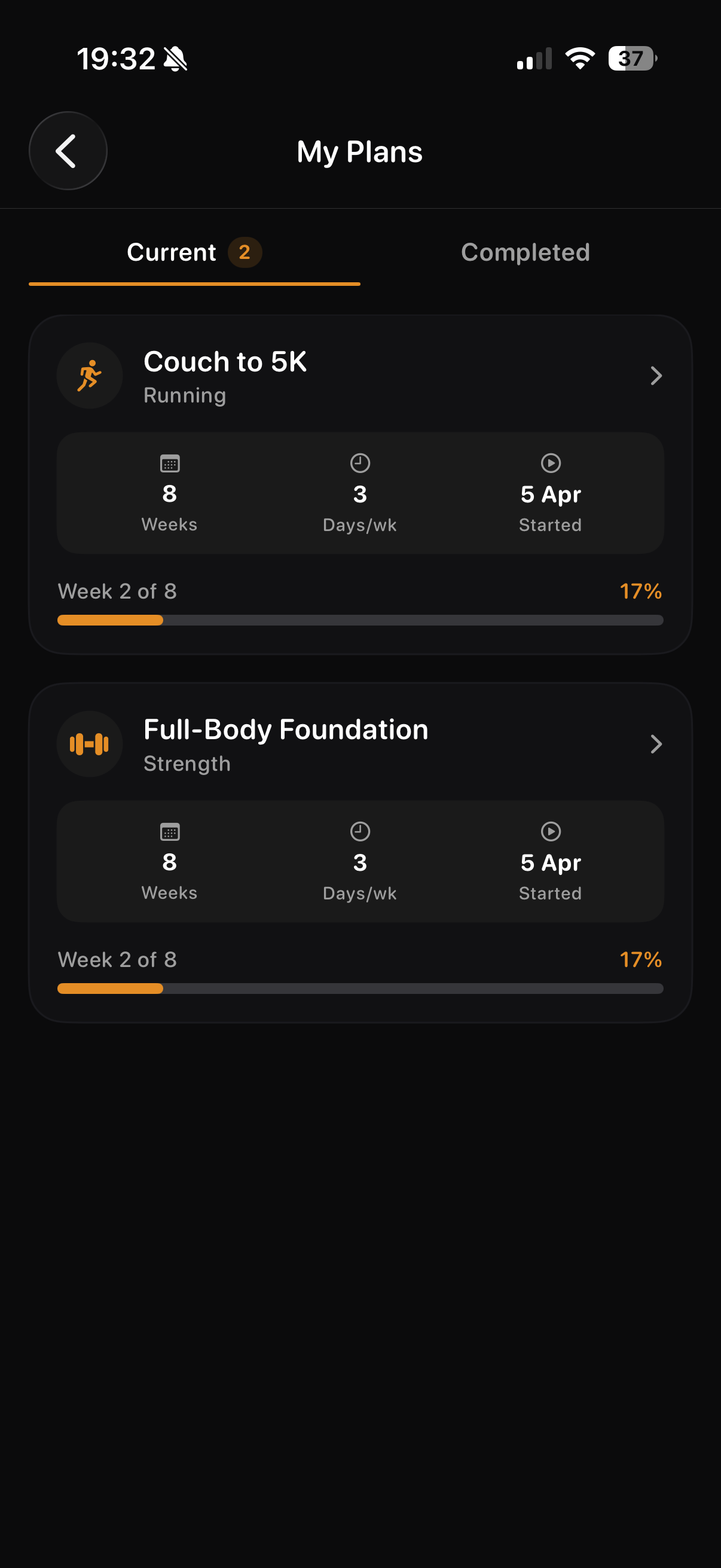
See available strength and running plans together, with completed activity kept distinct from the plan.
Food and water entries can contribute to a wider Fuel picture. Open Meal Tracking for the detail of a specific entry.
See recorded sleep and the Rest information available from the data you choose to provide.
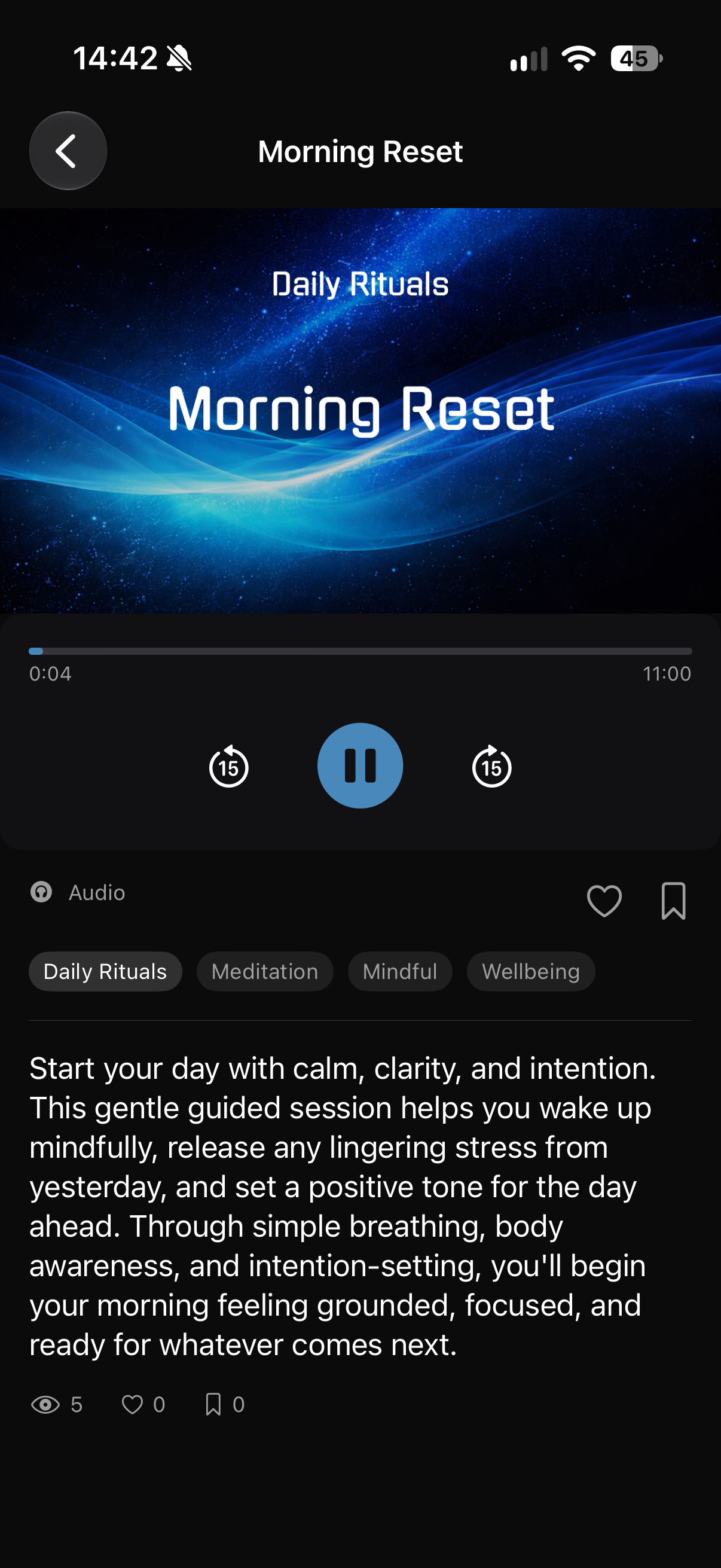
Browse the mindful audio, video or articles available to your account; some content needs a Rest or Pro plan.
Screens show example account data. Measurements and achievement progress are illustrative; your own data and available features may differ.
Useful when running, strength, food and rest all matter, but you want one manageable next action. THRYV gives each area room for detail and brings available signals into one Score. It is a general wellbeing tool, not a medical assessment.
No. Start with the features that are useful to you. The daily view reflects the information you choose to record or permit.
No. Plans, mindful content and other features can depend on account state, feature availability and subscription. Content marked free is available without a paid Rest plan; other mindful content needs Rest or Pro.
No. Apple Watch is an optional workout companion. Apple Health access is optional and permission based; available readings depend on compatible sources and the permissions you grant.
No. THRYV provides general wellbeing context from the information available to it. It does not diagnose a condition or promise a health or training outcome.
Download THRYV for iPhone to see available Fuel, Move and Rest signals in one honest Score and choose a practical next best action.