Log what you eat
Food entries build a practical record of real meals and changing days.
Look beyond one meal. THRYV brings food, hydration and your wider day into one Fuel picture.
Log the details that help you, then see how Fuel sits beside Move and Rest without making every meal the whole story.
THRYV for iPhone · Free to download
Make the next choice with a clearer view of what you have recorded.
Food entries build a practical record of real meals and changing days.
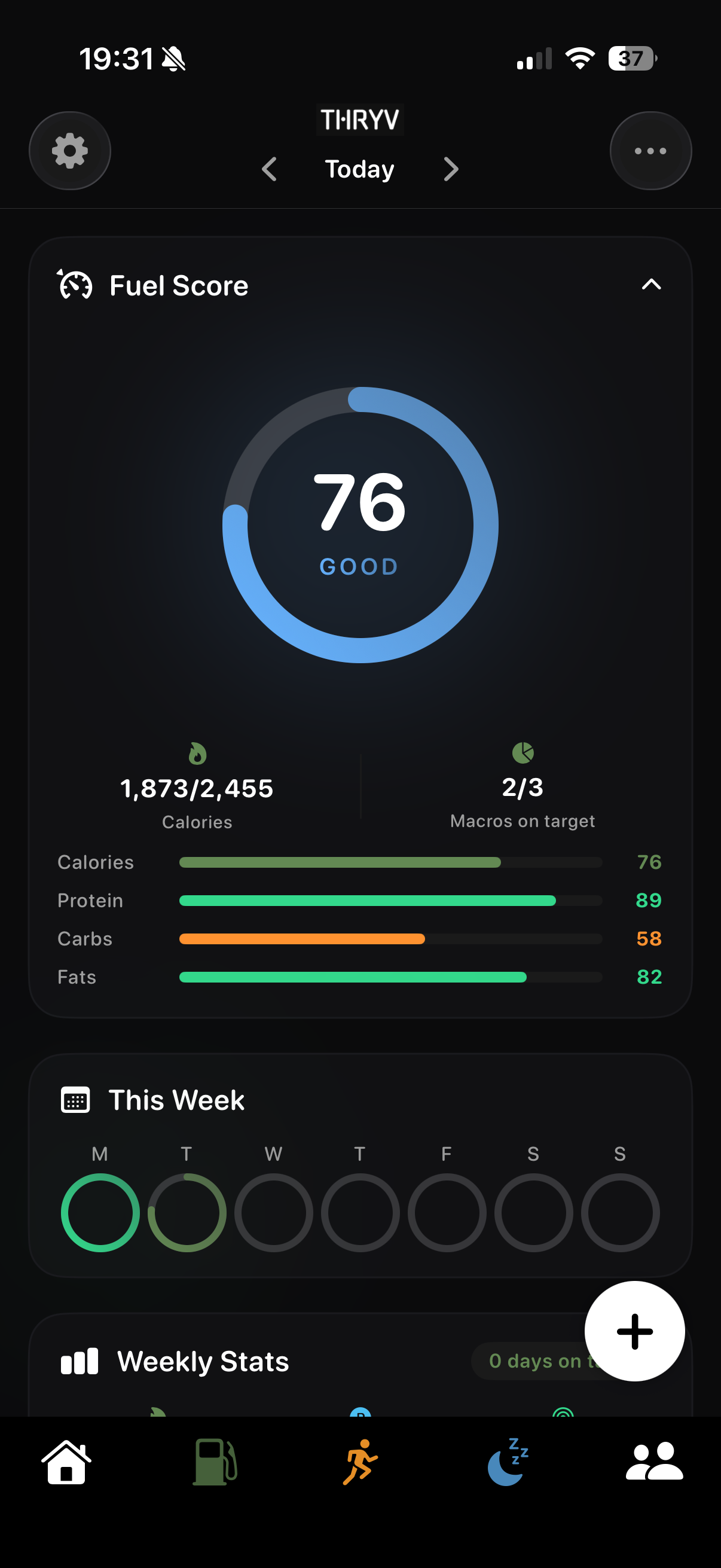
Fuel Score brings daily intake and macro context together with the week.
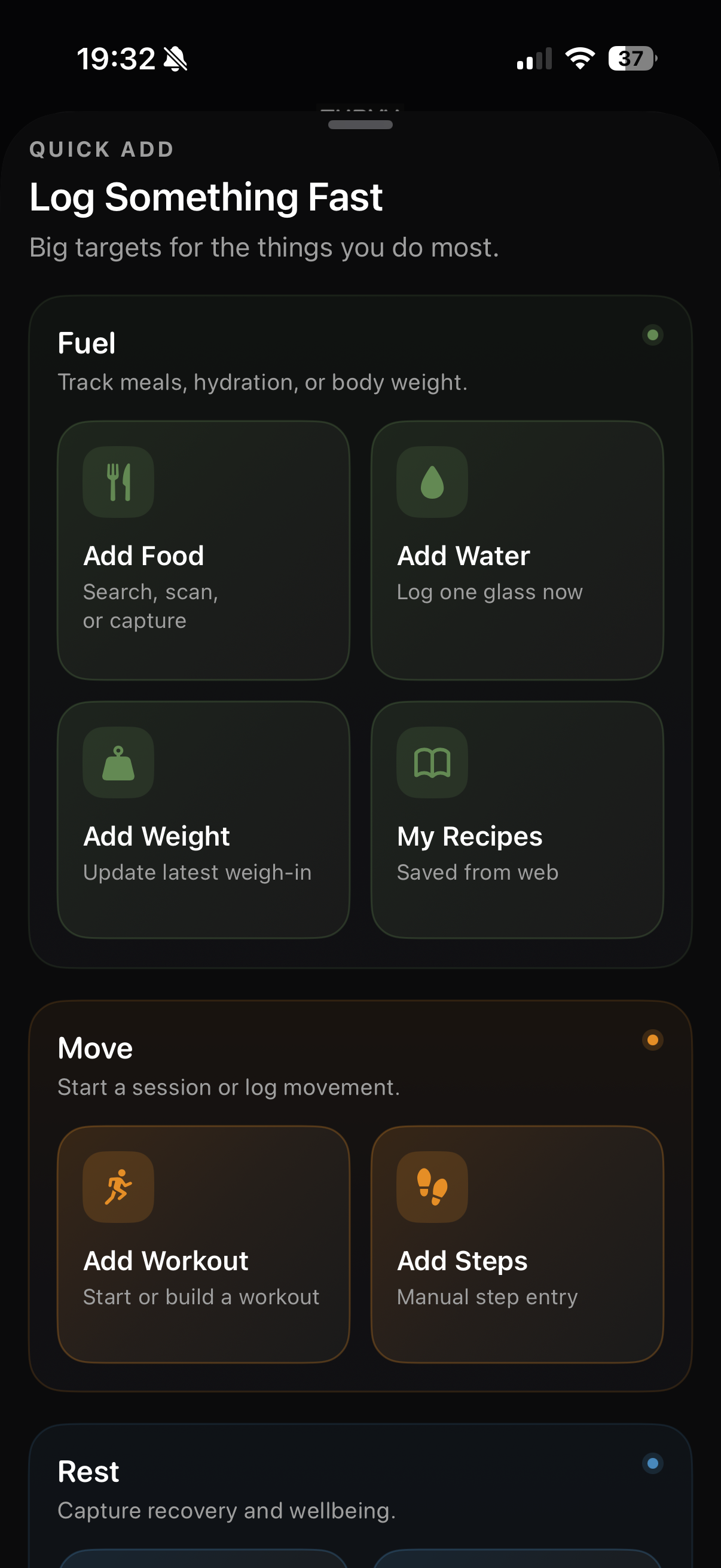
Hydration and recipes live near meal tracking, with more than one way to begin.
Use a quick action when you want to record something. Return to Fuel when you want to understand the day rather than inspect only one item.
Use the detail you need, then return to the broader Fuel view as your day develops.
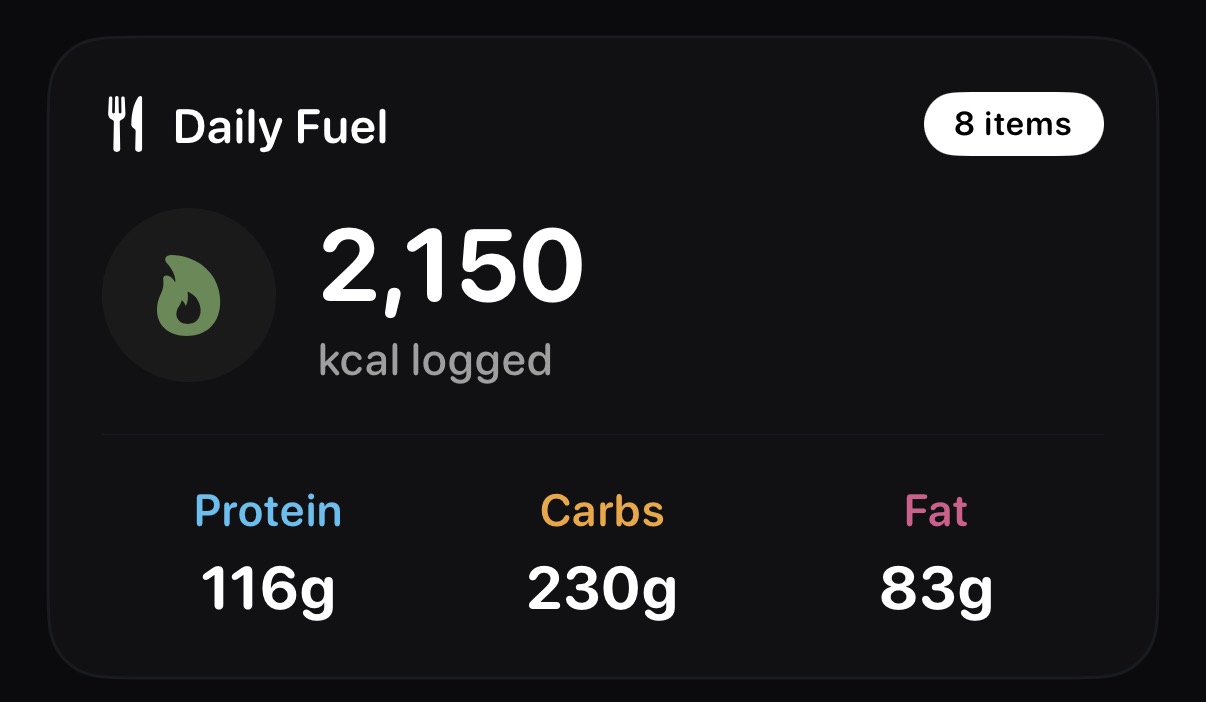
See the day's recorded intake and macro information together.
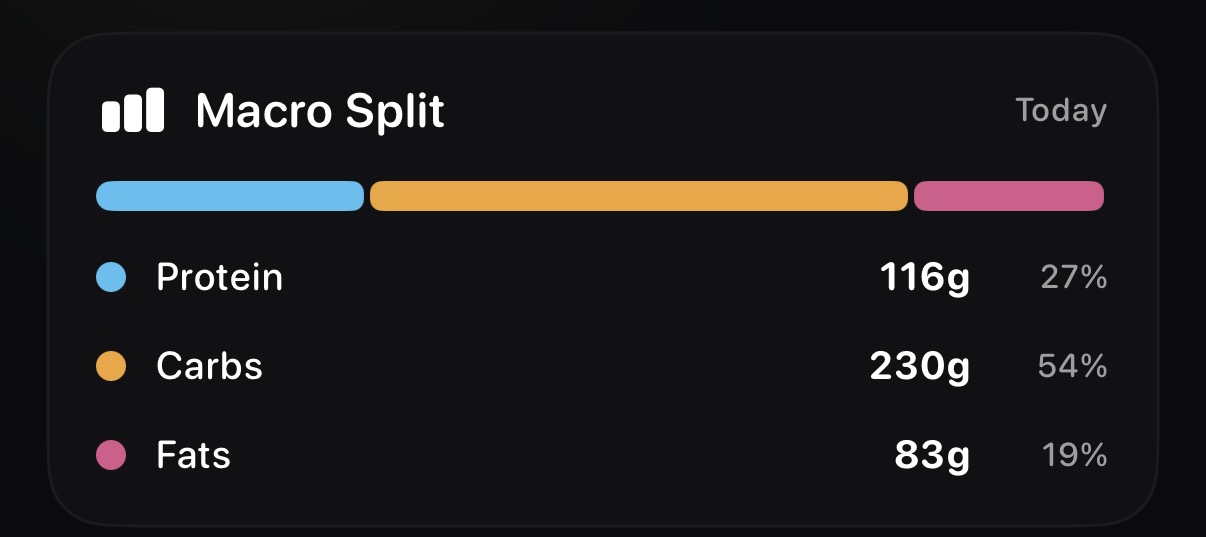
Break the daily nutrition picture into protein, carbohydrate and fat.
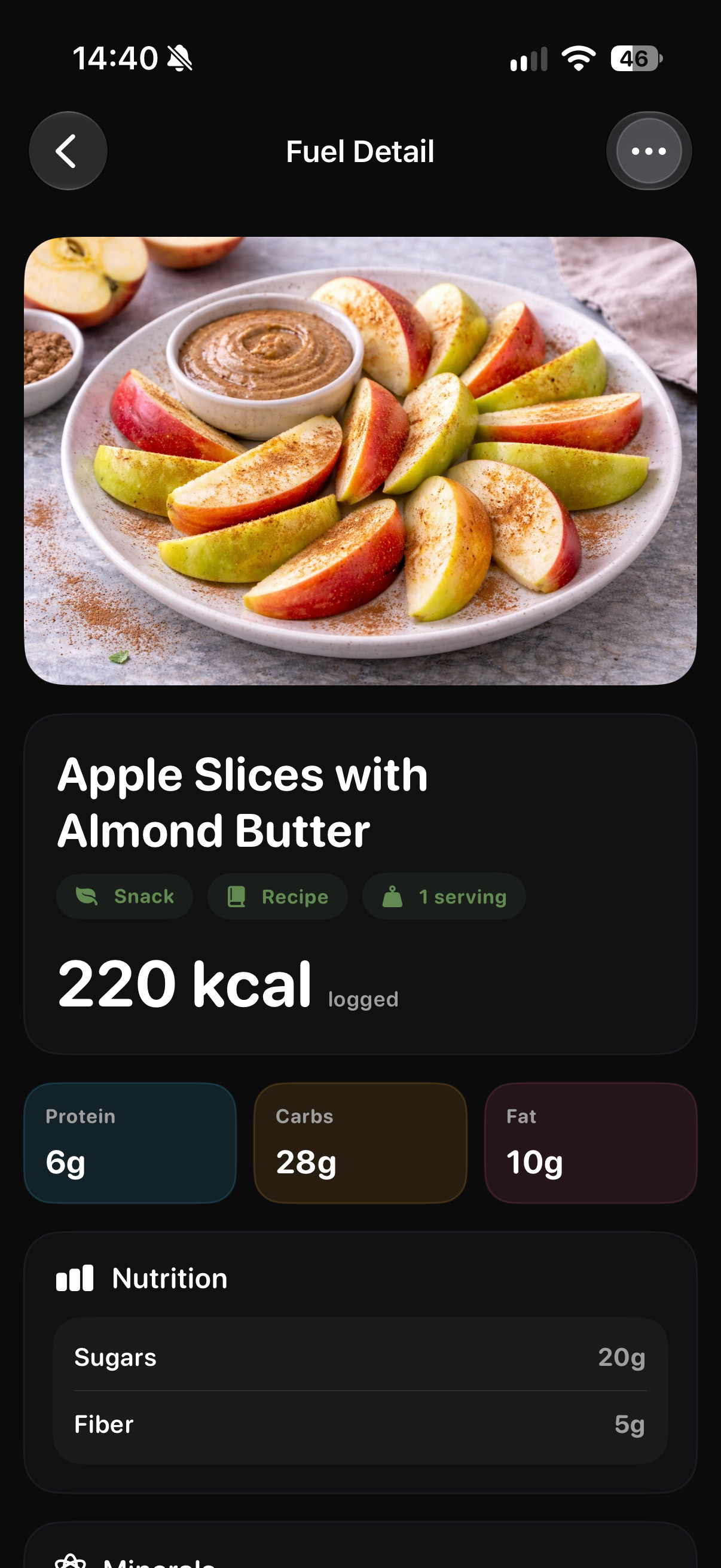
Open a logged food to see the item and its nutrition detail.
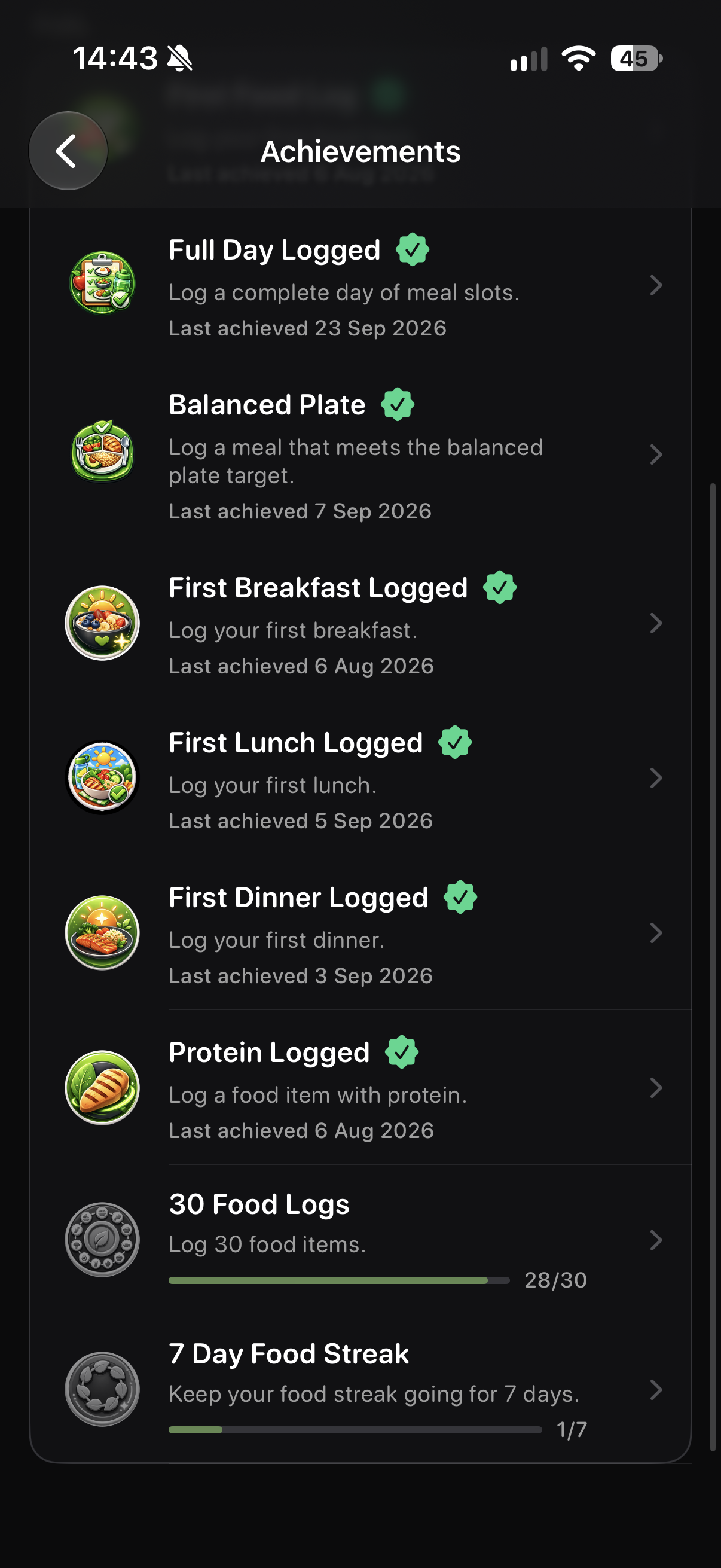
Fuel achievements give everyday logging milestones a visible home.
Screens show example account data. Measurements and achievement progress are illustrative; your own data and available features may differ.
Maybe you want to remember meals, notice hydration, or understand how food sits alongside movement and sleep. Start with the pieces you choose to track and add detail when it helps.
Nutrition is the wider Fuel view. Meal Tracking is the specific food entry: the item, meal, date and serving.
No. You choose what to record. The view reflects the information you add.
Yes. Quick Add includes Add Water alongside food entry and other everyday actions.
The Fuel Score screen brings daily intake, macro context and a weekly view together from the information available to THRYV.
Download THRYV and build a clearer view from the habits you track.