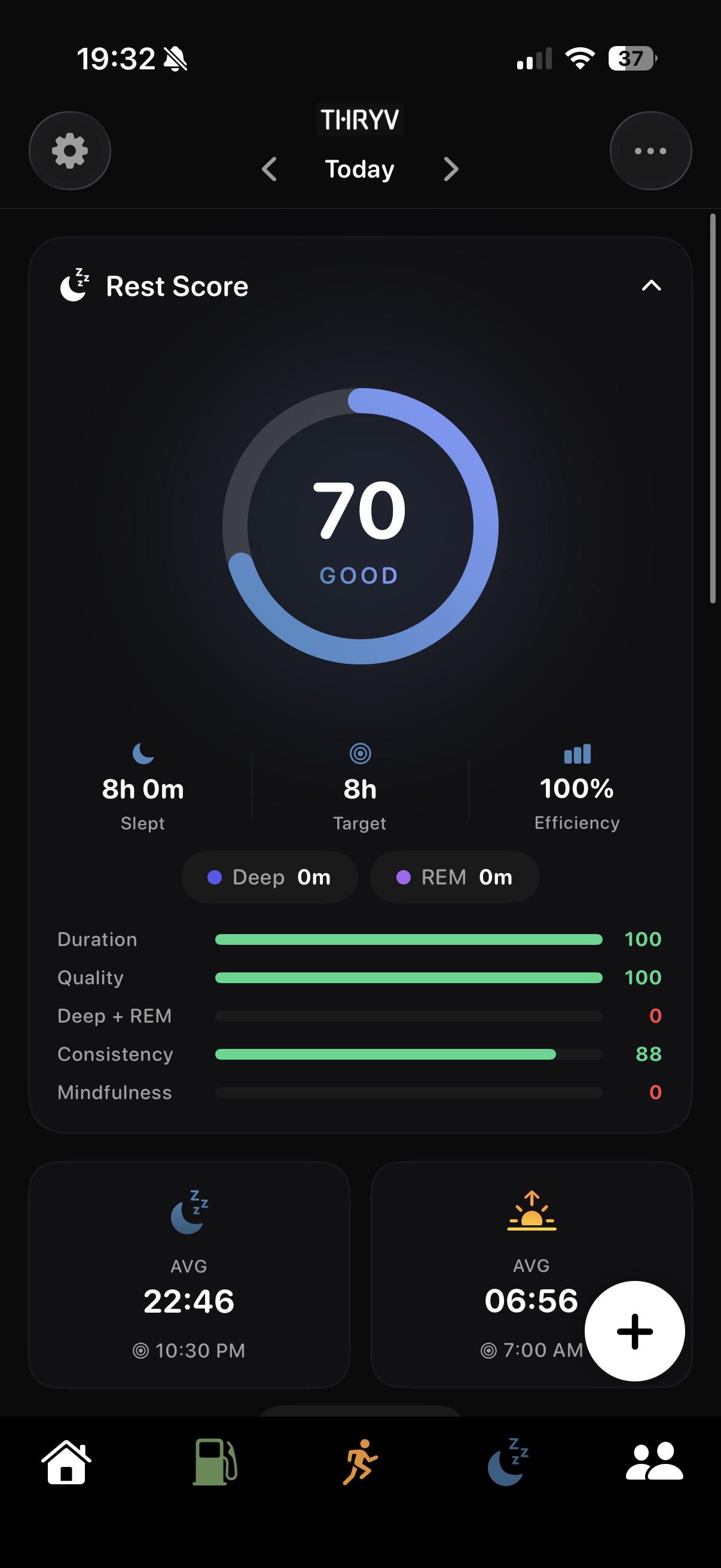
See your recorded sleep
Review duration and the sleep information available to THRYV.
See the night you recorded and the rest of the week around it.
THRYV puts sleep duration and available detail into Rest, beside the movement and food habits shaping your day.
THRYV for iPhone · Free to download
Look at what was recorded, then let the pattern mean more than one night.
Review duration and the sleep information available to THRYV.
Use the week to understand how nights vary with your routine.
See sleep beside movement and food when planning the next day.
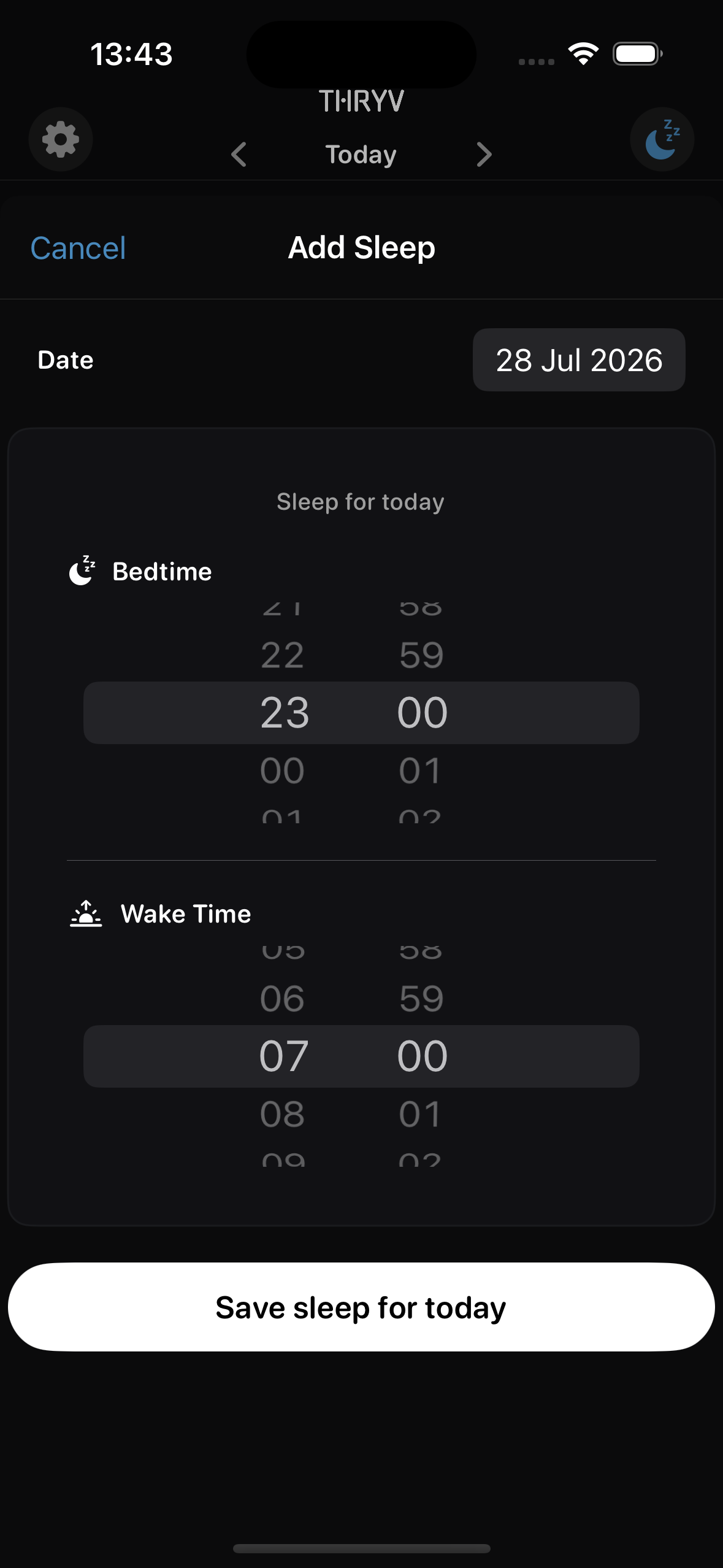
Enter sleep yourself, or share Apple Health sleep data with THRYV. The detail you see depends on the data source and permissions you choose.
Bring wind-down and wake-up moments into the same Rest routine as your sleep record.
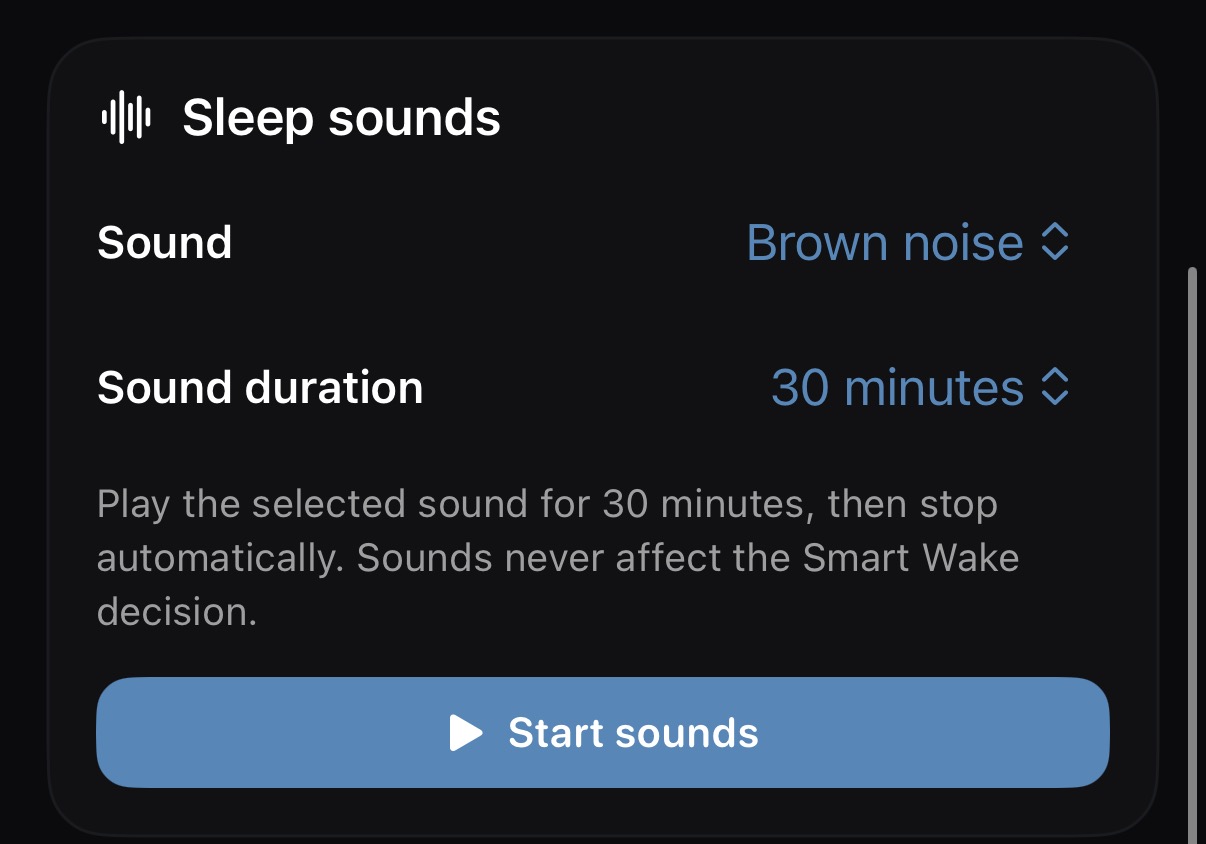
The Sleep Sounds card shows brown noise with a duration and play control.
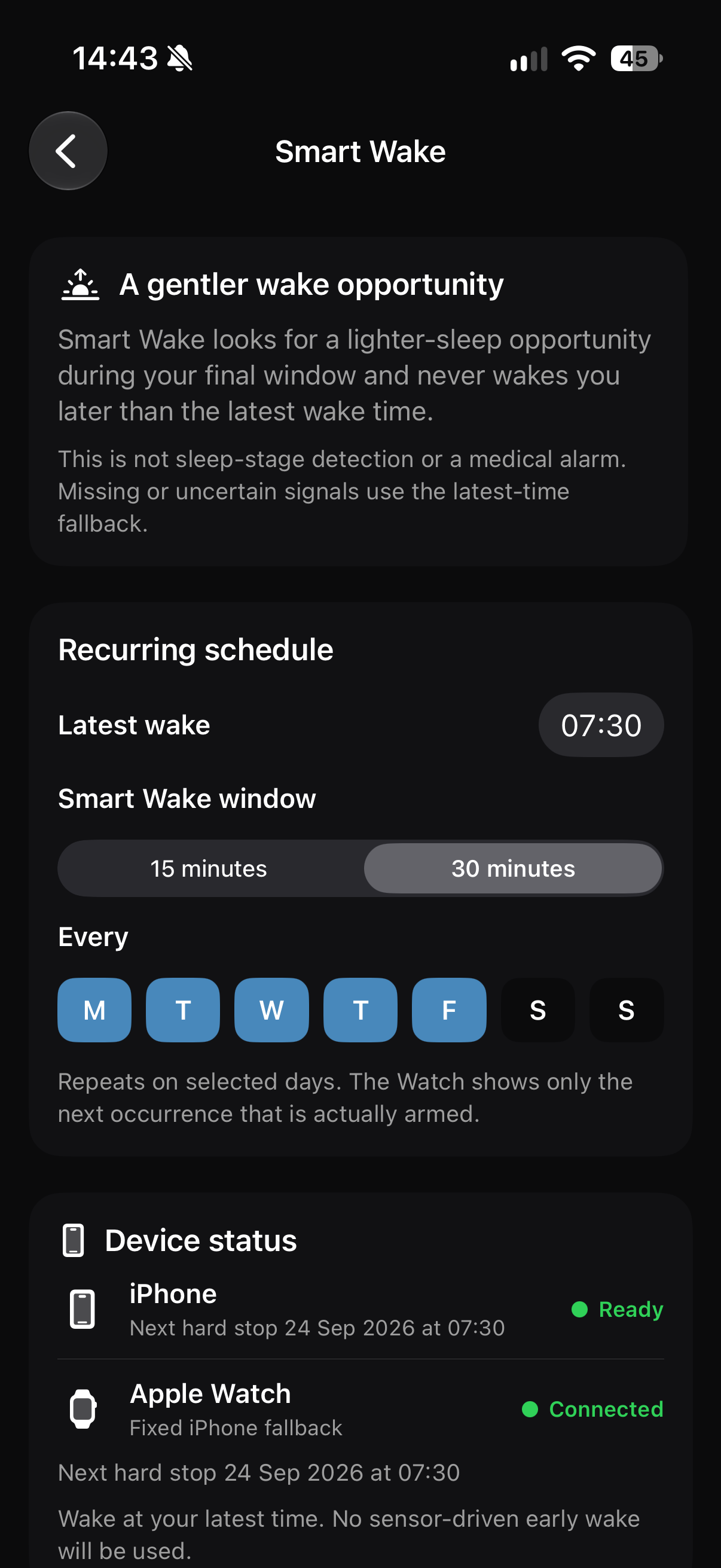
Check the schedule and which device is set to alert you.
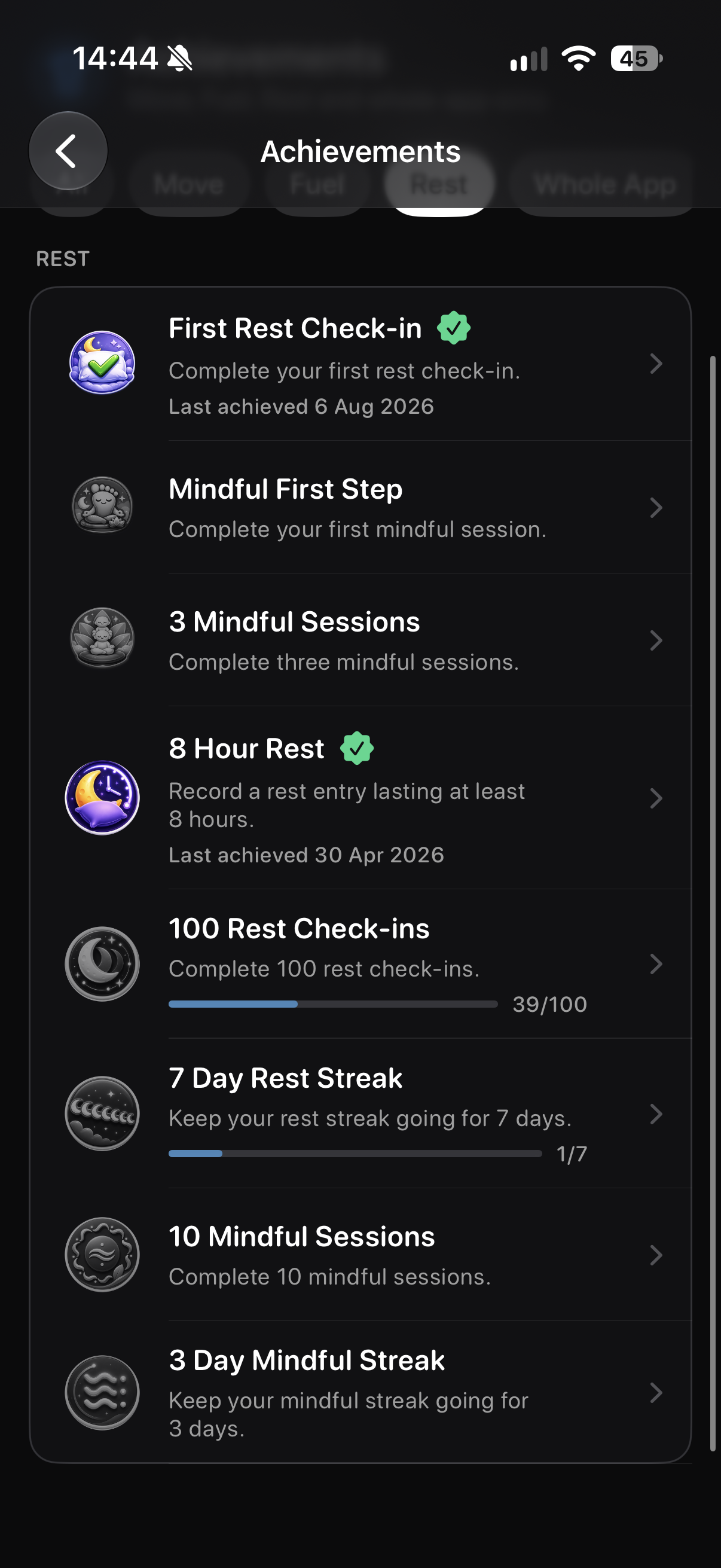
Rest achievements give sleep and mindful activity milestones a place to return to.
Screens show example account data. Measurements and achievement progress are illustrative; your own data and available features may differ.
When sleep timing changes or training competes with recovery, it helps to see more than a single nightly number. Start with the information you have and build a view of your routine over time.
No. THRYV supports manual sleep entry. Device-sourced detail depends on compatible hardware, Apple Health data and your permission.
Yes, when you choose to grant the relevant Apple Health access.
Sleep information varies by source. THRYV displays the measurements available in the data you share.
The Rest view sits within THRYV's wider Fuel, Move and Rest picture.
Download THRYV to see sleep alongside the rest of your day.