Start the way you want
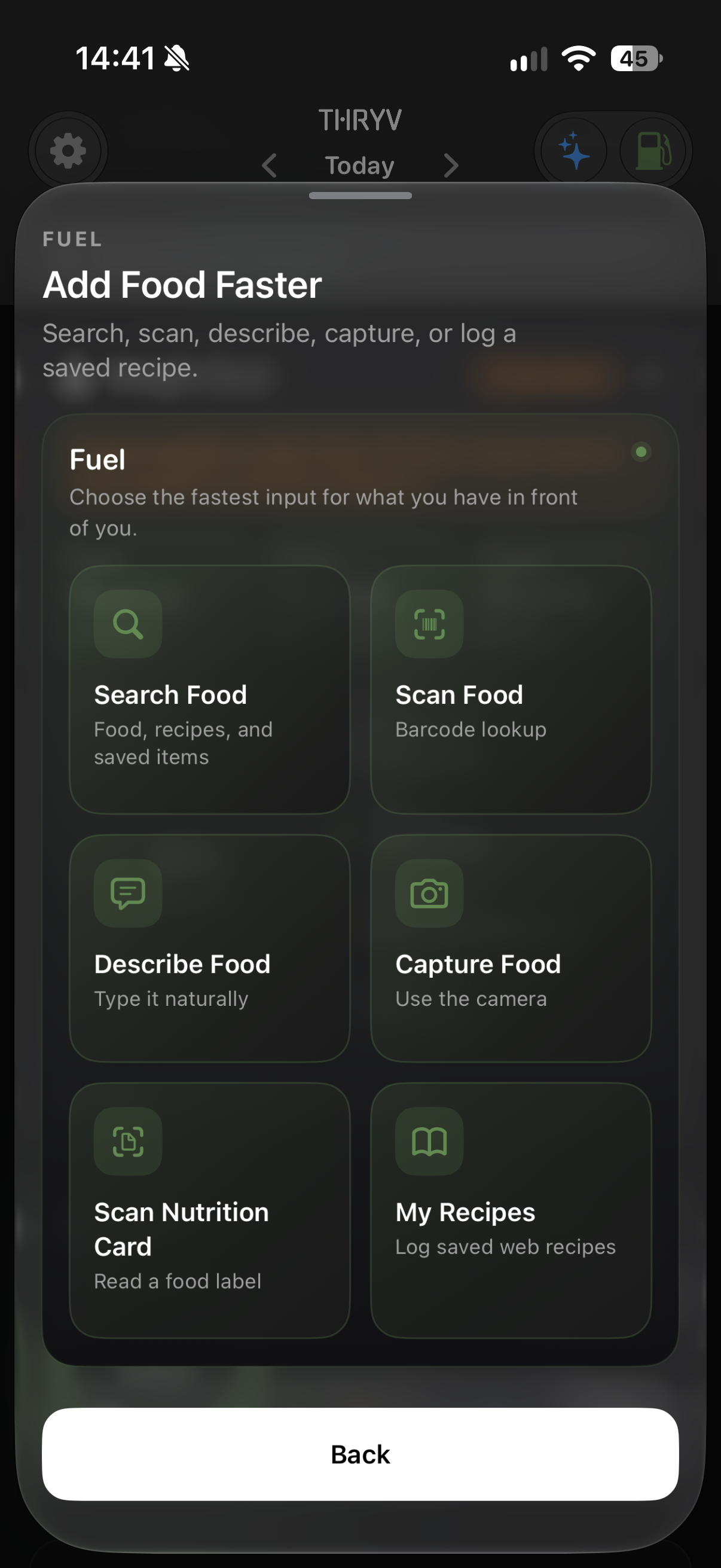
Search Food, Scan Food, Scan Nutrition Card, Describe Food, Capture Food or My Recipes.
Search for a food, scan food or a nutrition card, describe, capture, or start with a recipe.
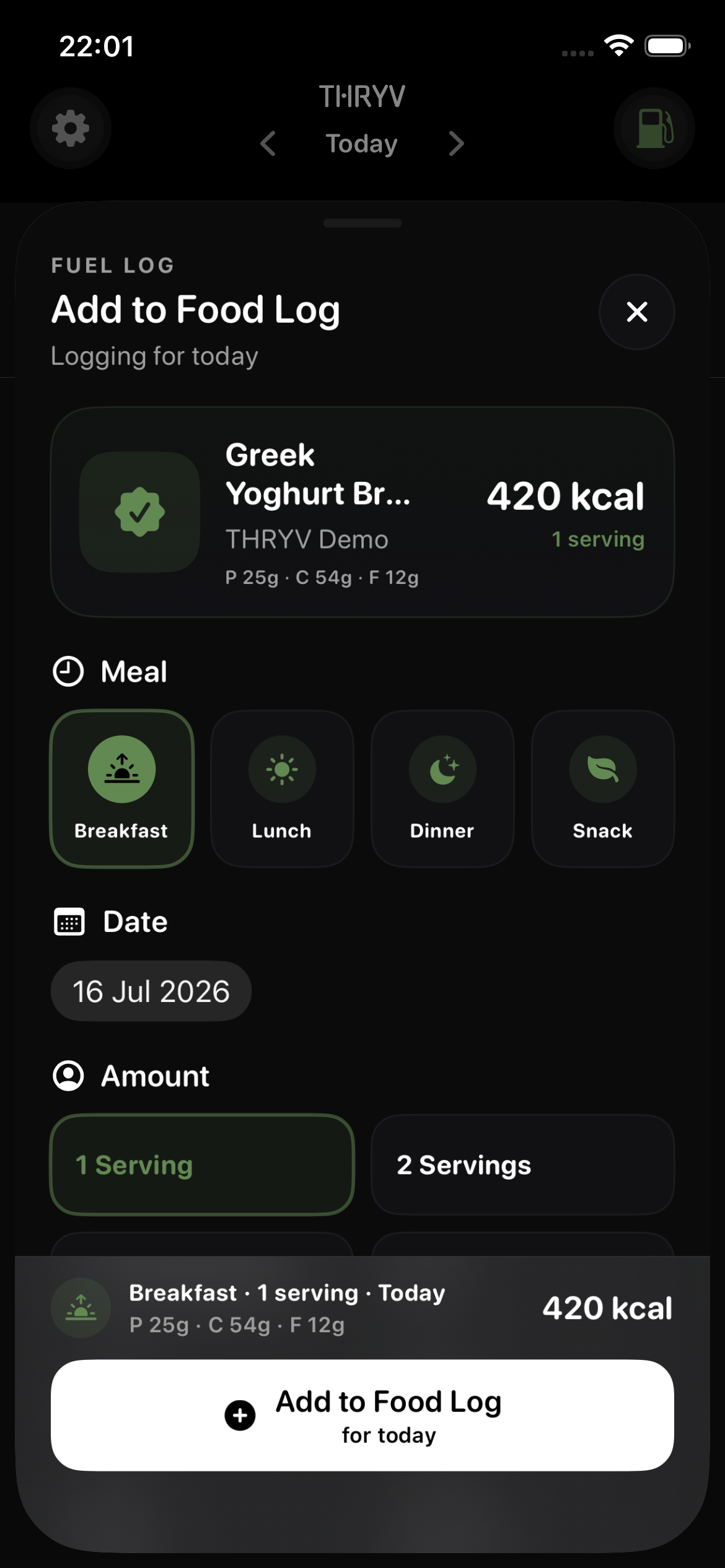
Then choose the meal, date and serving before the entry joins your Fuel log.
THRYV for iPhone · Free to download
Use a quick route for a familiar food, then keep the important details clear.
Search Food, Scan Food, Scan Nutrition Card, Describe Food, Capture Food or My Recipes.
Choose the meal and date so a late entry lands where it belongs.
Set the amount you ate and review its nutrition information before saving.
Choose a route into the food log, review the entry and move on. Your saved meal then becomes part of the wider Fuel picture.
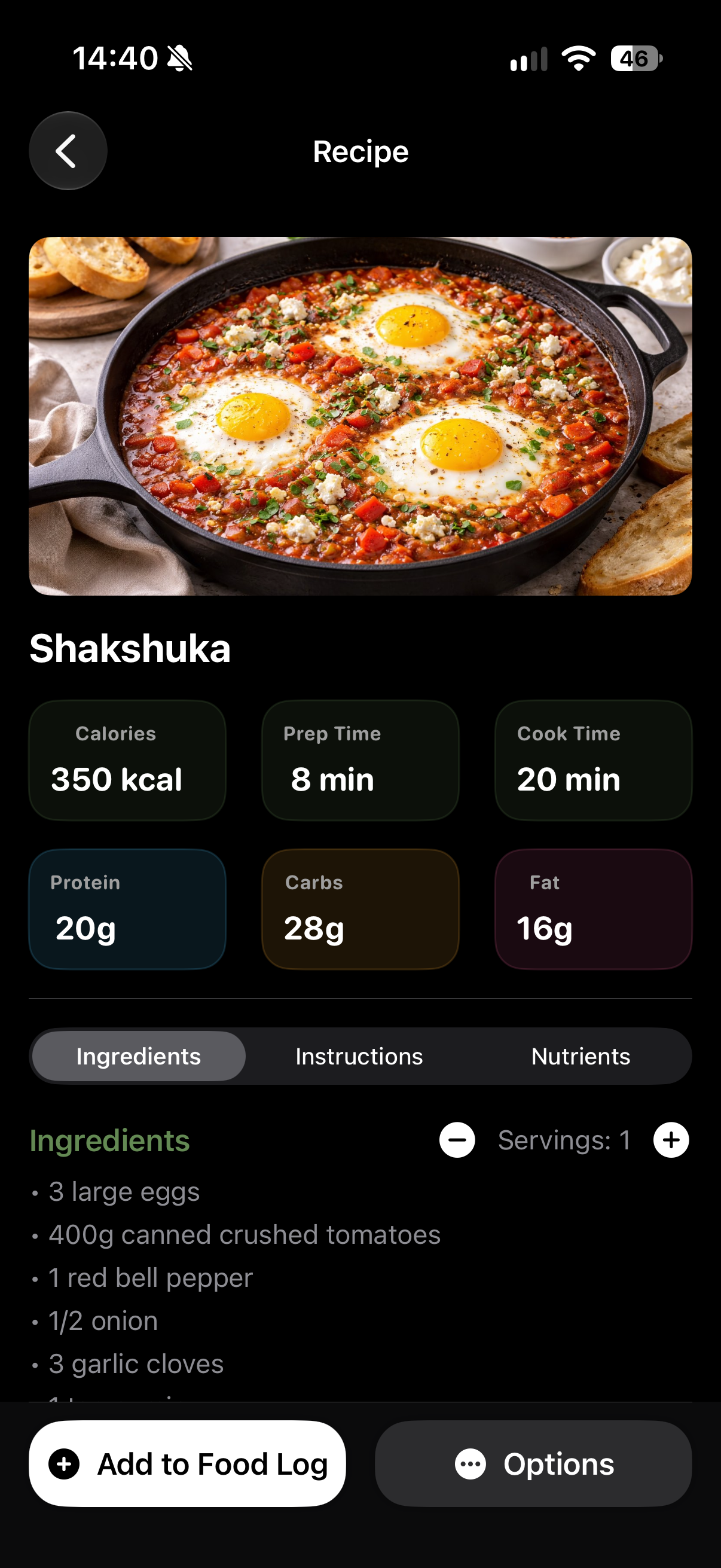
A recipe, a specific entry and the wider Fuel routine each answer a different question.
Review ingredients and nutrition, then use Add to Food Log from the recipe.
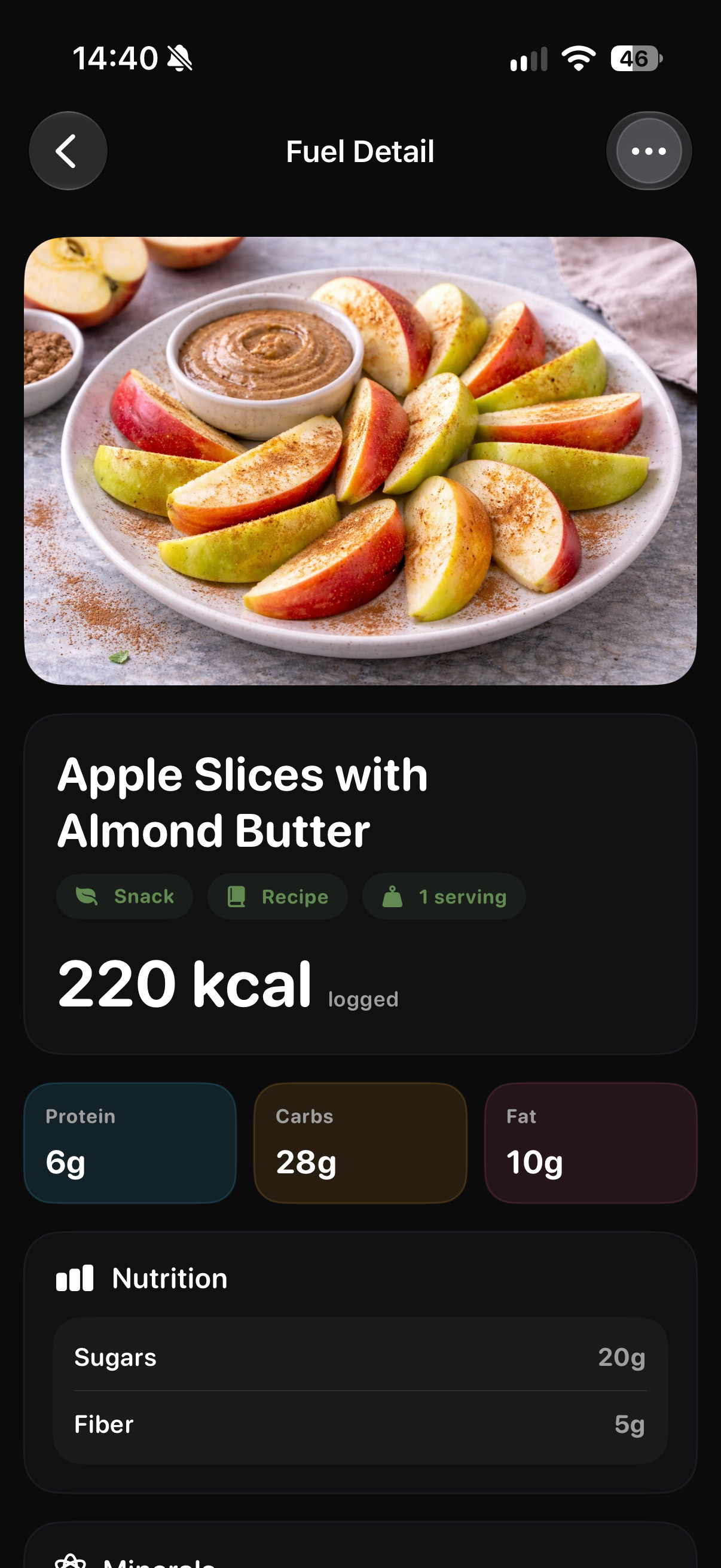
See the selected item after it has joined your Food Log.
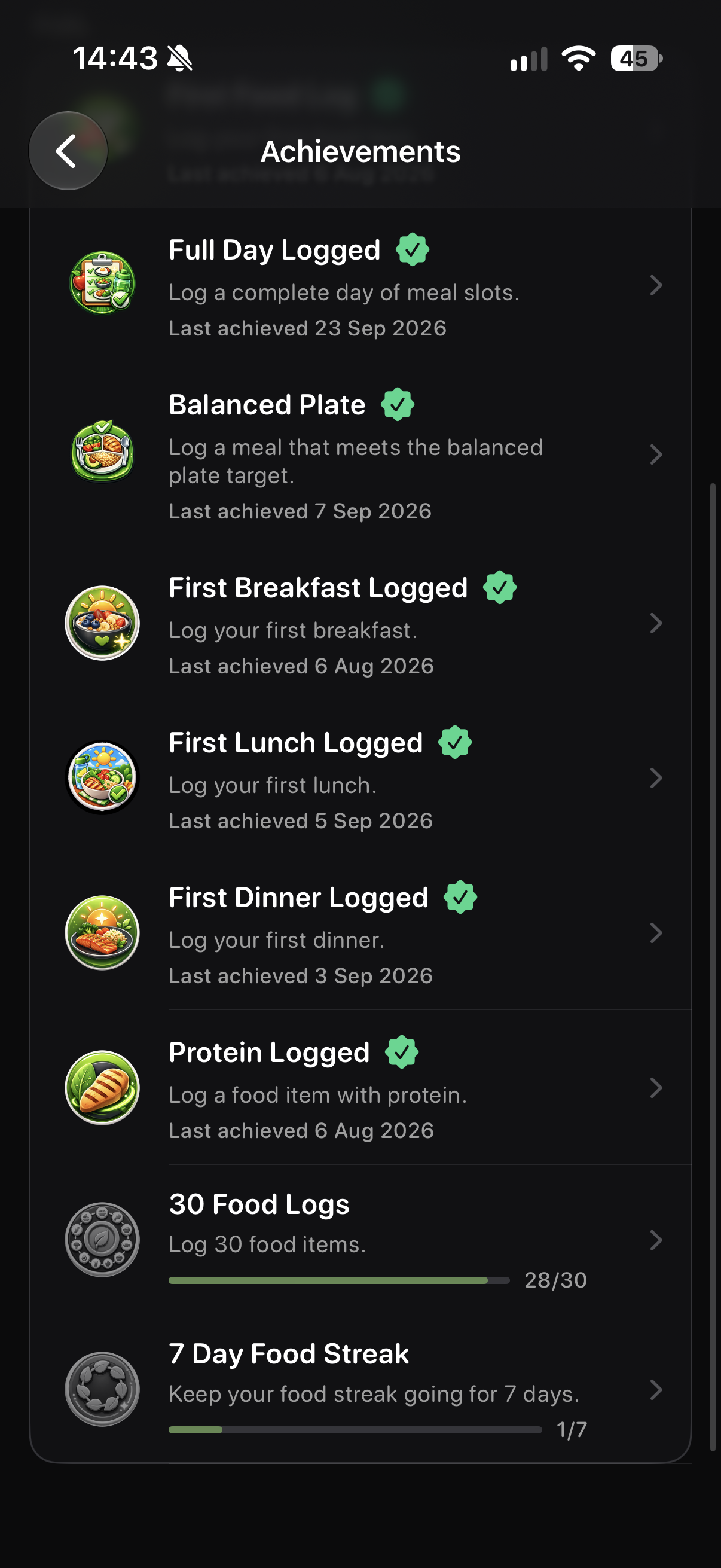
Fuel achievements show progress as your logging routine develops.
Screens show example account data. Measurements and achievement progress are illustrative; your own data and available features may differ.
Useful when you want to remember what you ate, keep repeat meals visible or connect food choices with the rest of your day. Record the detail you need without turning each meal into an exercise in bookkeeping.
Choose Search Food, Scan Food, Scan Nutrition Card, Describe Food, Capture Food or My Recipes.
Yes. The Add to Food Log flow lets you choose a date for the entry.
Yes. Choose the amount before adding the food and review the nutrition details for that serving.
It joins your Food Log and contributes to the wider Fuel view.
Download THRYV and keep a food log that fits the way you eat.