Read the run as it happens
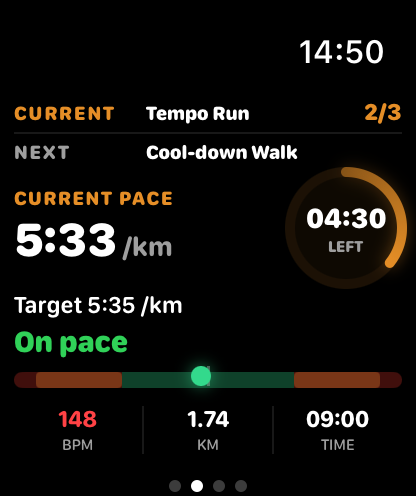
See current pace, target pace and interval time during a planned run.
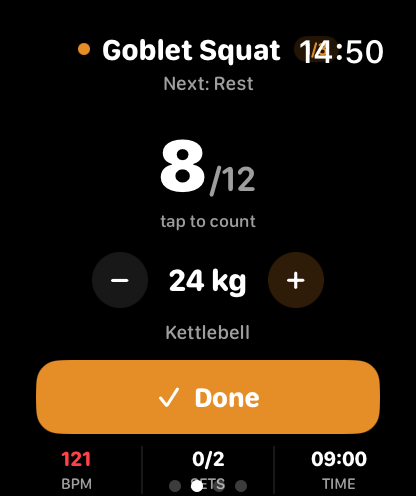
Follow your interval. Keep pace in view. See the next strength exercise between sets.
THRYV keeps the active workout on your wrist and the full Fuel, Move and Rest picture on iPhone.
THRYV for iPhone · Free to download
A smaller screen works best when it keeps the active step clear.
See current pace, target pace and interval time during a planned run.
See the current exercise and rep count during a planned strength session.
Workout records and completion information can return to the iPhone app.
Choose a workout on iPhone, then take the active step onto your wrist. Return to iPhone for plans and the wider day.
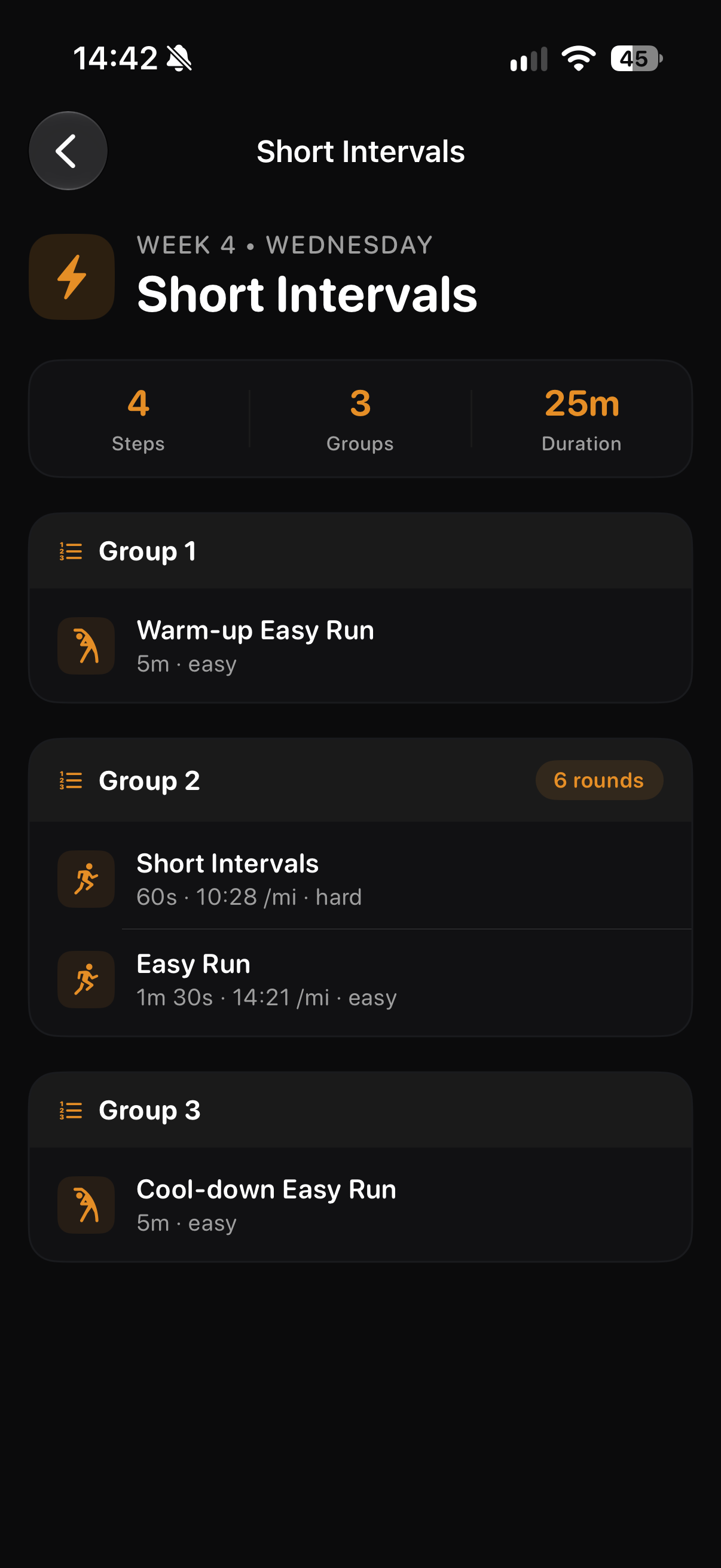
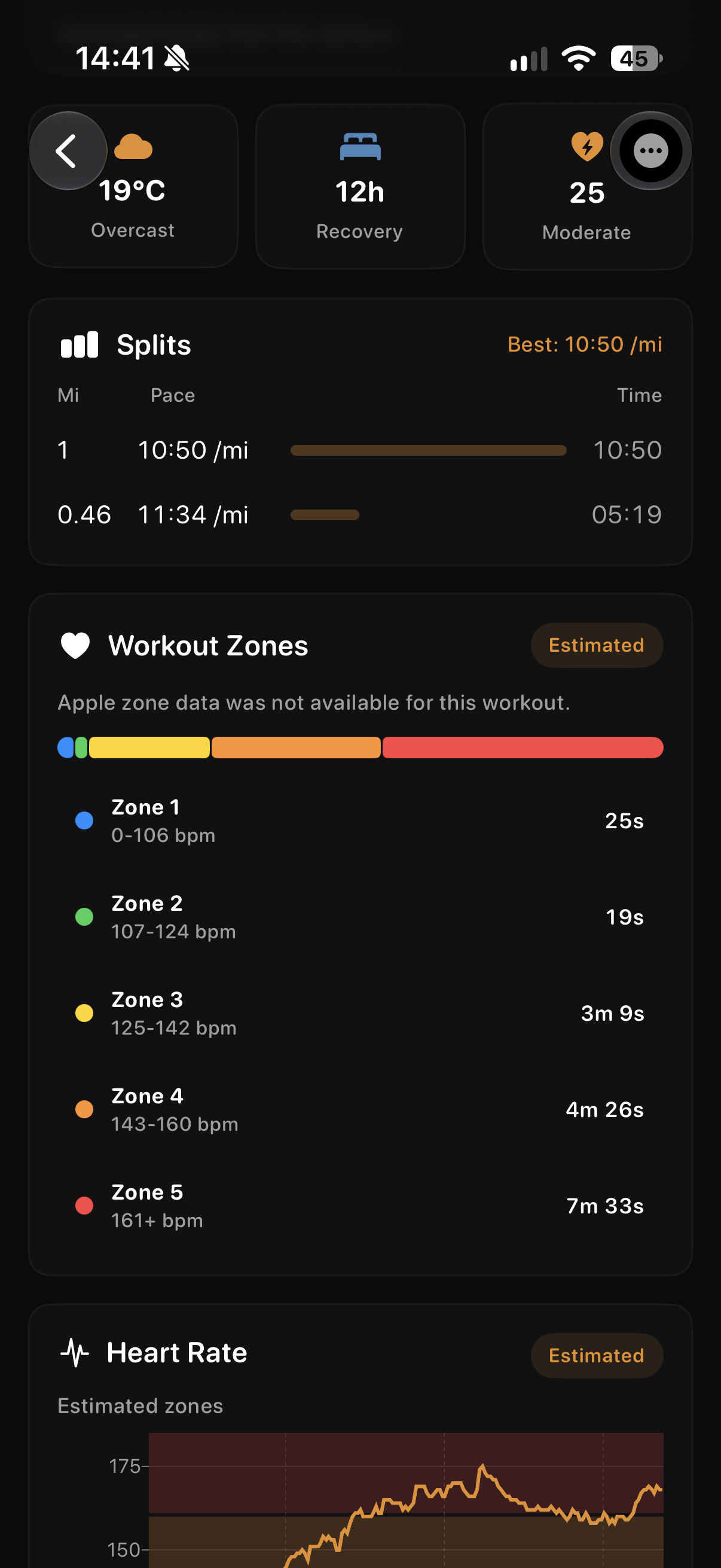
Plan the steps on iPhone, follow the active interval on Watch and review the run after it is done.
See the warm-up, work rounds and cool-down before you start.
Review the completed splits and estimated zones on iPhone.
Screens show example account data. Measurements and achievement progress are illustrative; your own data and available features may differ.
If you want pace information during a planned run or the next exercise during a supported strength session, the Watch keeps that moment close. THRYV's broader planning and daily context remain on iPhone.
The running view shows the current interval, current pace, target pace and remaining time.
Yes. Planned strength sessions can show the current exercise and rep count.
Yes. The Watch is a companion to THRYV on iPhone, where plans and the wider Fuel, Move and Rest picture live.
The workout type, Watch sensors, permissions and connection state determine which readings appear.
Download the iPhone app and explore its Apple Watch companion.